For many depots the register is the business: every customer, every balance and every bottle, in someone's handwriting. Moving to software feels risky because if anything goes wrong, you cannot deliver tomorrow.
It does not need to be a big leap. Done in the right order, most depots switch over in a few days without missing a delivery.
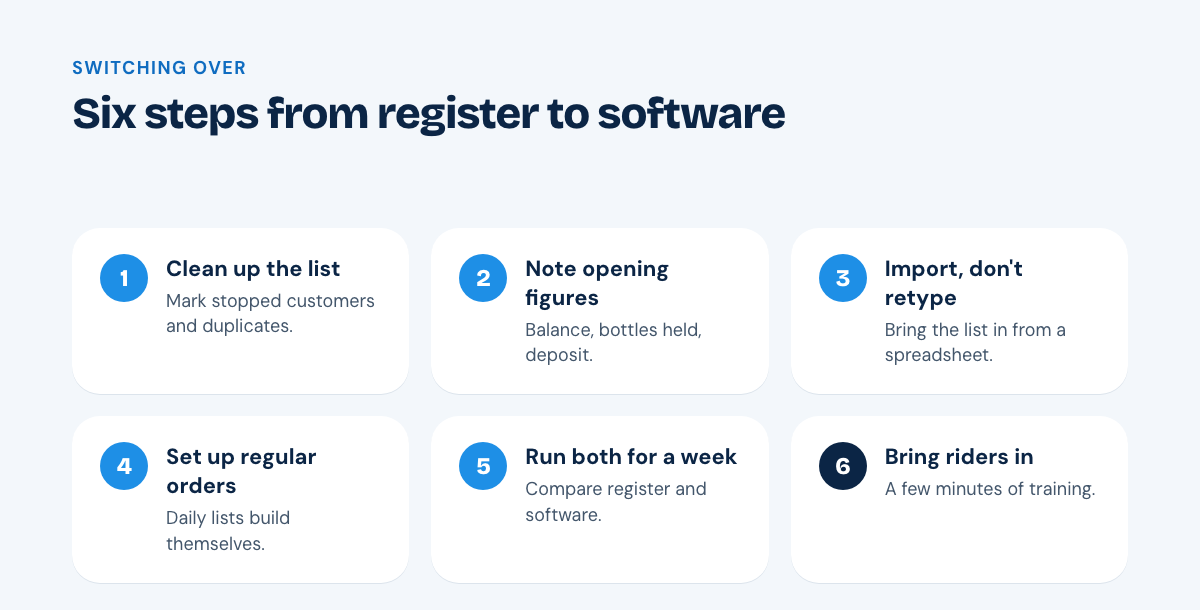
1. Clean up your customer list first
Before entering anything, go through the register and mark:
- customers who have stopped ordering
- duplicate entries for the same address
- missing phone numbers
It is much easier to fix these on paper than after they have been imported.
2. Write down opening figures
For every active customer, note three figures as they stand today:
- Balance: what they owe you, or what you owe them.
- Bottles held: how many of your bottles they have.
- Deposit: how much deposit you have taken.
These opening figures are what the software starts from. Getting them right is the most important step.
3. Import, don't retype
Typing hundreds of customers by hand takes days and introduces mistakes. Put your list in a spreadsheet and import it. With Watrly, our team helps you import customers with their balances and bottles.
4. Set up regular orders
Enter standing orders for customers who take water on fixed days. From then on, each day's delivery list builds itself, which is often the moment owners stop missing the register.
5. Run both for one week
Keep the register going alongside the software for a week. At the end of each day, compare the two. Small differences show you where riders or office staff need a quick word, and after a few days the register is simply no longer needed.
6. Bring riders in last
Once the office is comfortable, give riders the app. They only need a few minutes of training to see their stops and record deliveries, empties and cash.
Ready to try it? Every plan starts with a free trial, and you can see every feature first.